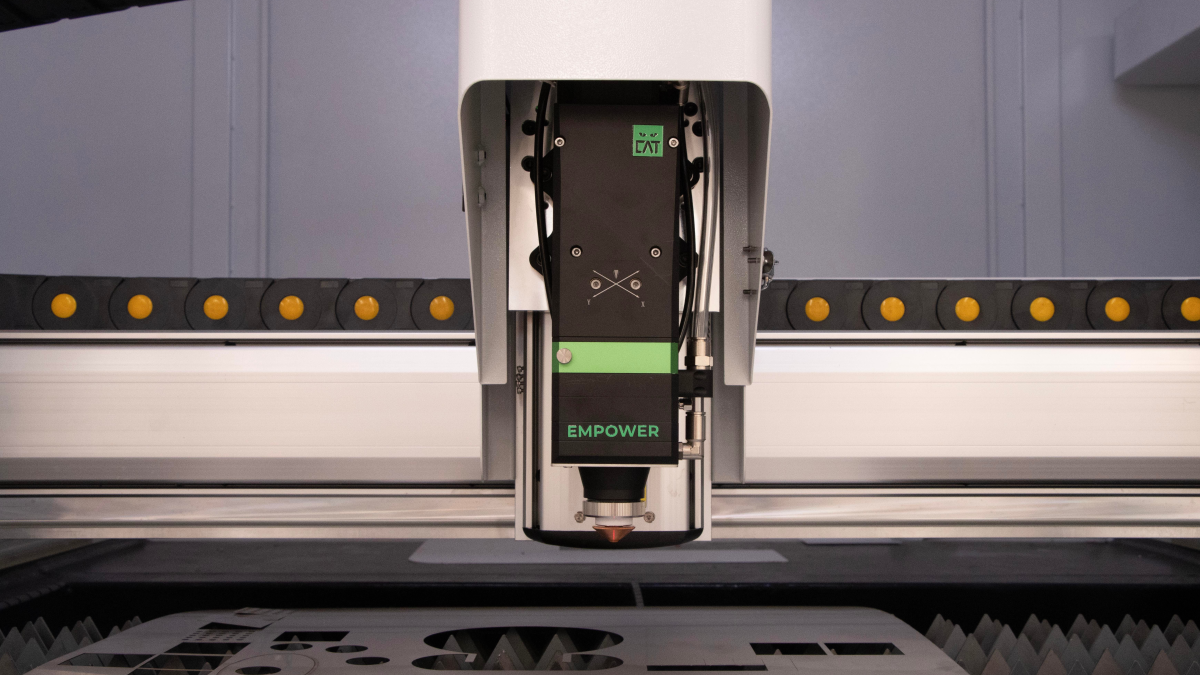
The move from CNC operator to CNC programmer usually starts with a deeper understanding of the machine, not with a new software window. A good programmer understands stock, tools, workholding, datums, tolerances, the control and collision risk. An operator who sees real machining every day already has a strong starting point.
The goal is to move gradually from running an approved operation to preparing the process. First, you inspect parts confidently. Then you take part in setup, read and edit G-code, create simple CAM operations and eventually take responsibility for a new part program.
Understand the Boundary Between Roles
O*NET describes CNC tool operators as workers who operate computer-controlled machines, measure finished parts, mount tools and fixtures, review specifications or blueprints, adjust feeds and speeds and replace worn tools. This is technical shop-floor work, not passive machine watching.
For CNC tool programmers, O*NET places responsibility in a different area: determining operation sequence, selecting cutting tools, calculating speeds and feeds, analyzing drawings and specifications, running trial cuts or computer simulations, correcting programs and checking the result again. The programmer owns the machining method before the workpiece reaches the machine.
It helps to place yourself honestly on that path. If you run approved programs and inspect parts, you are at the operator level. If you set G54, manage tool offsets and release the first good part, you are moving into setup. If you understand why CAM uses a particular toolpath and how the postprocessor turns it into G-code, you are getting ready for programming.
Start With Drawings and Inspection
Without drawing reading, the move into programming will be weak. A programmer must see more than the shape of the part. They need to understand datums, tolerances, fits, threads, surface finish, critical dimensions, operation sequence and inspection after machining.
A practical route is to study real shop drawings beside finished parts. Find where a dimension starts, which surface is the datum, which holes are related, where normal accuracy is enough and where a separate inspection step is required. Then compare those requirements with the program and setup sheet.
Inspection matters just as much. Calipers, micrometers, dial indicators, bore gauges, height gauges and go/no-go gauges connect the program to the result. When you understand where a dimension is moving and which offset correction is required, you begin to think like someone responsible for the process, not only for the cycle.
Use Setup as the Bridge
Setup is the best bridge between operator and programmer. It shows how the program meets the real machine: stock is not perfect, vises have limits, tools have stickout, workholding repeats with error, coolant affects stability and a dry run reveals things a clean toolpath preview may hide.
Start by helping prepare batches. Ask why a particular work offset was chosen, why the part is held from that side, why one stock allowance is removed before another, where vibration is likely and which dimensions are checked after the first operation. Record concrete decisions for real parts, not generic advice.
Work separately on G54/G55, tool length offsets, cutter radius compensation, safe heights, M-codes, optional stops, tool changes and first-part checking. Once those topics become familiar, CAM stops feeling like a separate world. It becomes a way to describe in advance what you already understand at the machine.
Learn G-code as Machine Logic
A future programmer does not need G-code so every line can be written by hand. G-code is needed to understand motion logic and notice danger. The basic set includes G00, G01, G02/G03, G17/G18/G19, G40/G41/G42, G43, G54-G59, G80-G89, M03/M04/M05, M06, M08/M09 and M30. Turning has its own cycles and control-specific details.
The best exercise is reading short real programs beside the machine or in a simulator. Where is the tool before rapid movement? Which plane is active? Where is compensation turned on? Is there a safe retract before tool change? Why does the program move to this Z before the next operation?
TRASA3 and similar simulators are useful at this stage because they let you inspect motion calmly, catch errors before the machine and connect each program line with machining geometry. This practice prepares you for CAM faster than memorizing code lists.
Move Into CAM on Simple Parts
Your first CAM system may be Fusion, Mastercam, SolidCAM, hyperMILL, NX CAM or another tool used in your shop. The name matters less than the quality of your first tasks. Start with 2.5D parts: facing, contouring, pockets, drilling, threads, chamfers and simple clearing.
For each operation, answer production questions. What is the stock? Where is the datum? Which tool is used? How much stock remains? Where does the tool enter and exit? What is the depth of cut? Where can vibration appear? What happens if the model changes? How will the result be checked before the machine run?
Do not rush straight into five-axis machining. An employer is more likely to trust a person who prepared several simple real programs and brought them to a first good part than a candidate with an advanced certificate and no shop result.
Understand the Postprocessor and the Control
A CAM toolpath becomes a machine program only after the postprocessor. This is where control-specific behavior appears: coordinate formatting, tool change, drilling cycles, coolant commands, fourth-axis behavior, safe heights, program numbers, comments, subprograms and machine-specific M-codes.
A new programmer does not always need to write a postprocessor from scratch. But they should know that the post is not a formality. A new or edited post must be checked: first in CAM simulation, then in a G-code viewer, then carefully at the machine under shop rules. An error at this stage can cost a part, tool, fixture or machine.
A useful habit is comparing the CAM operation with the posted code. Look at how the same operation appears for Fanuc, Siemens Sinumerik, Heidenhain or Haas. Even a basic understanding of differences helps you speak with setup specialists and find problems faster.
Build Early Proof of Skill
The move into a programmer role rarely happens after one request for promotion. A small portfolio of real work is much stronger. It can include training parts, internal fixtures, simple production parts made under an experienced setup specialist’s supervision, or an improved old program that reduced setup time.
For each example, keep a clear description: material, machine, control, tools, CAM system, operations, inspected dimensions, what was checked in simulation and what corrections were made after the first part. Do not publish confidential customer drawings. Your own sketches, anonymized photos and process notes are enough.
This kind of portfolio shows more than CAM button knowledge. It shows production thinking: you understand how the program affects setup, quality, tooling and machine time.
Ask for the Transition Inside Your Company
If you already work as an operator, the shortest path is often inside your current shop. A manager can trust first programming tasks more easily to someone who already knows the machines, materials, typical parts and production discipline.
Make the conversation concrete. Offer to start with simple tasks: editing an existing program under a setup specialist’s supervision, preparing CAM for an internal fixture, creating a tool list, checking old programs in a simulator, or writing short setup sheets. After several tasks like this, ask for part of your time to be assigned to programming.
In a CV or conversation with an employer, avoid a general statement such as wanting to grow in CAM. Specific wording is stronger: I read drawings, work with G54 and offsets, understand G-code, prepared these 2.5D operations, checked programs in simulation, and helped release the first part.
Moving from CNC operator to CNC programmer is not a sudden jump into office work. It is a gradual expansion of responsibility. First you understand what happens at the machine. Then you influence setup. Then you prepare simple operations. After several verified programs, you have the real basis for the new role: you can connect the drawing, machine, tool, G-code and finished part.