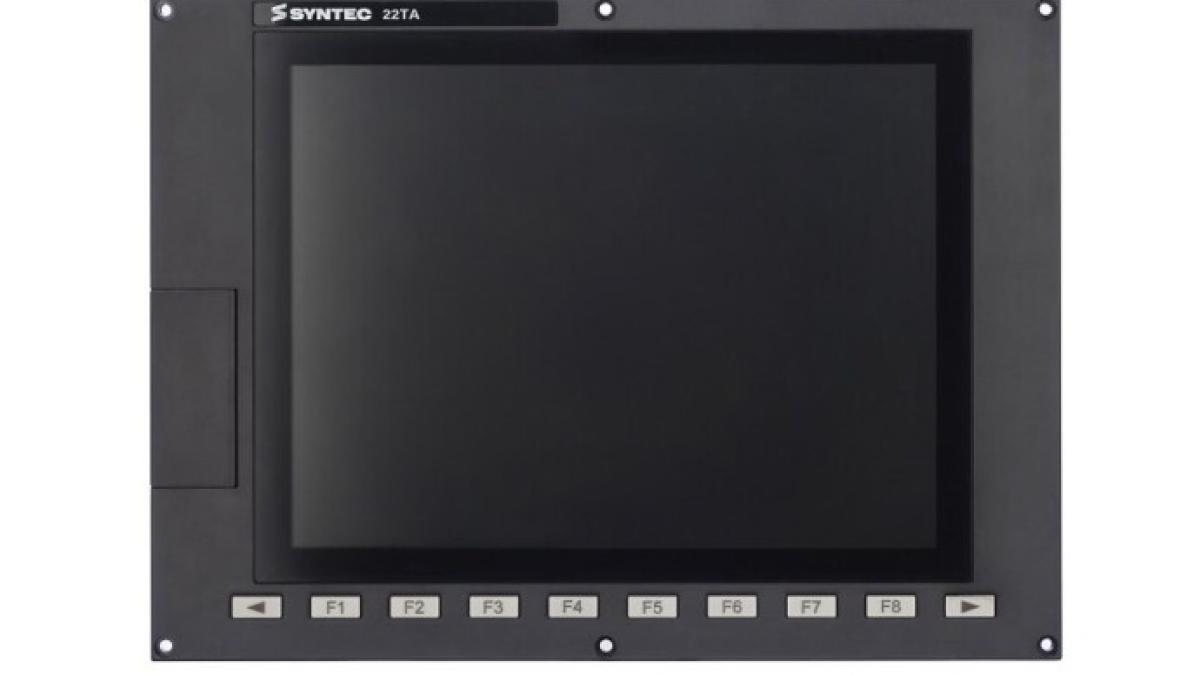
A CNC machine screen gives the operator a live view of axis positions, the active program, tool offsets, messages, and cycle status. Nearby controls select the operating mode, start machining, hold feed, and jog the axes. This combination is commonly described as the CNC HMI operator panel. It connects the operator with the machine control and brings the information and commands needed for setup and machining into one workstation.
HMI stands for Human–Machine Interface. In a CNC context, the term may refer to the software interface on the screen, the operator panel front, or the complete control station with its display, keyboard, and machine control panel. When discussing a fault or an upgrade, it is useful to identify which part of the system is actually involved.
The panel presents CNC data; it is not the controller itself
The HMI receives operator input and displays information from the CNC, PLC, drives, and other machine systems. Path control belongs to the CNC controller. It interprets program blocks, calculates interpolation, and sends motion commands. The PLC normally handles machine logic such as clamps, doors, lubrication, the chip conveyor, tool changing, and ready signals. Drive systems close the motor control loops using feedback from encoders or other measuring devices.
The operator panel provides access to these functions within the scope defined by the machine builder. One screen may show actual and commanded positions, feed, spindle speed, and active G and M functions. Other areas contain the program list, tool table, work offsets, and diagnostic messages. The exact layout depends on the CNC system, the machine, and the builder's configuration.
In a modern system, the processing hardware may be integrated with the panel or installed separately in the electrical cabinet. Siemens, for example, offers SINUMERIK ONE with cabinet-based NCUs and panel-based PPU variants in which the operating unit and controller are combined. Two panels with a similar display size can therefore use different architectures and cannot be assumed to be interchangeable.
What the operator workstation contains
A typical CNC station combines several elements. The display presents the interface and graphics. A keyboard allows program text, numerical values, and comments to be entered. Softkeys change their functions according to the section currently open. The machine control panel carries controls associated with movement and the machining cycle.
- mode selection keys such as JOG, MDI, and AUTO;
- Cycle Start, Feed Hold, and Reset;
- axis and direction selection for manual movement;
- feedrate and spindle-speed override controls;
- keys for the spindle, coolant, and auxiliary equipment;
- an electronic handwheel for precise manual positioning;
- status indicators and confirmation controls.
A touchscreen expands the available navigation methods, while physical controls remain useful where clear tactile feedback matters. The HEIDENHAIN TNC7, for example, combines a configurable touchscreen interface with a keyboard and machine operating panel. Programs and tables can be edited on the display, while familiar physical keys remain available for cycle start and manual movement.
What happens after a key is pressed
Consider starting a program in automatic mode. The HMI registers the operator's action and passes the request to the control system. Machine logic then checks the required conditions: whether an appropriate mode is selected, the guard is closed, the drives are ready, alarms have been cleared, and any other builder-defined interlocks are satisfied. When the enable chain is complete, the CNC begins program execution and the interface updates the active block, positions, load, and cycle status.
Pressing Feed Hold requests a controlled stop of feed motion. The exact response of the axes and spindle depends on the controller, machining technology, and machine implementation. Reset may interrupt execution and clear part of the active state, but its behaviour also varies between machines. Operators need to learn these functions from the documentation for the equipment they use.
Screen updates and motion control operate at different time scales. Position values on the display are refreshed often enough for an operator to follow the process, while the drive control loops run much faster. The HMI provides a usable representation of the process; precise axis regulation remains inside the CNC and drive system.
The main screens used during production
The machine screen is used to monitor axis positions, active modes, feed, and spindle data. The program area supports file selection, viewing, and editing. A tool table stores geometry, radii, lengths, pocket assignments, and wear data when those fields are supported by the configuration. Work offsets connect the machine coordinate system with part datums such as G54.
The diagnostic area displays alarms and warnings. A useful message includes a code, source, and trigger condition, but further investigation may require the electrical drawings, machine documentation, or access to PLC states. Clearing a message does not remove its cause. If an alarm was triggered by low pressure, an open guard, or an unconfirmed mechanism position, the corresponding condition has to be restored.
Current HMI systems may also support multi-window layouts and configurable workspaces. Siemens documents a Display Manager for SINUMERIK Operate that divides a Full HD screen into several areas and can present the HMI, widgets, keyboard, machine control panel, and applications at the same time. A well-configured layout reduces unnecessary navigation while keeping the data required for the current task visible.
HMI and machine safety
The red emergency-stop button may be mounted on the same panel, but its function belongs to the machine safety system. It must act through the designed safety architecture, which may include safe inputs, safety relays or a safety controller, and the required shutdown circuits. A graphical button on a standard HMI screen does not become an emergency-stop device simply because it looks like one.
Access to restricted functions also requires more than a hidden menu item. Machine builders use access levels, key switches, passwords, and hardware enables according to the function and its risk. Changing machine data, drive parameters, or PLC logic requires appropriate competence and a verified backup of the original configuration.
Operators also need to distinguish between an interface indication and the physical condition of a mechanism. A display showing an open door, a clamped chuck, or the position of a tool changer is based on system signals. A failed sensor, wiring fault, or logic problem can make the displayed state differ from the expected mechanical condition. Troubleshooting should follow the signal path through the machine documentation before the panel is treated as the defective part.
Why the same CNC can look different on two machines
The control manufacturer supplies a standard interface and configuration tools. The machine builder then adds screens, cycles, messages, and keys for its equipment. The same generation of Fanuc, SINUMERIK, or HEIDENHAIN control may therefore have noticeably different navigation on a lathe, machining centre, and specialised production machine.
Hardware also varies in display size and resolution, touchscreen technology, key arrangement, communication interfaces, ingress protection, mounting method, processing unit, and software licences. A replacement requires the exact device designation, controller compatibility, software version, communication settings, and usable backups to be checked. A panel that fits mechanically may still be unable to run the required HMI application or communicate with the machine control panel.
The HMI operator panel makes a complex machine system accessible: it presents the process, accepts commands, and supports fault diagnosis. Using it correctly depends on understanding the architecture of the individual machine. CNC documentation describes the standard control functions, while the machine builder's manuals explain the added keys, messages, cycles, and safety interlocks.