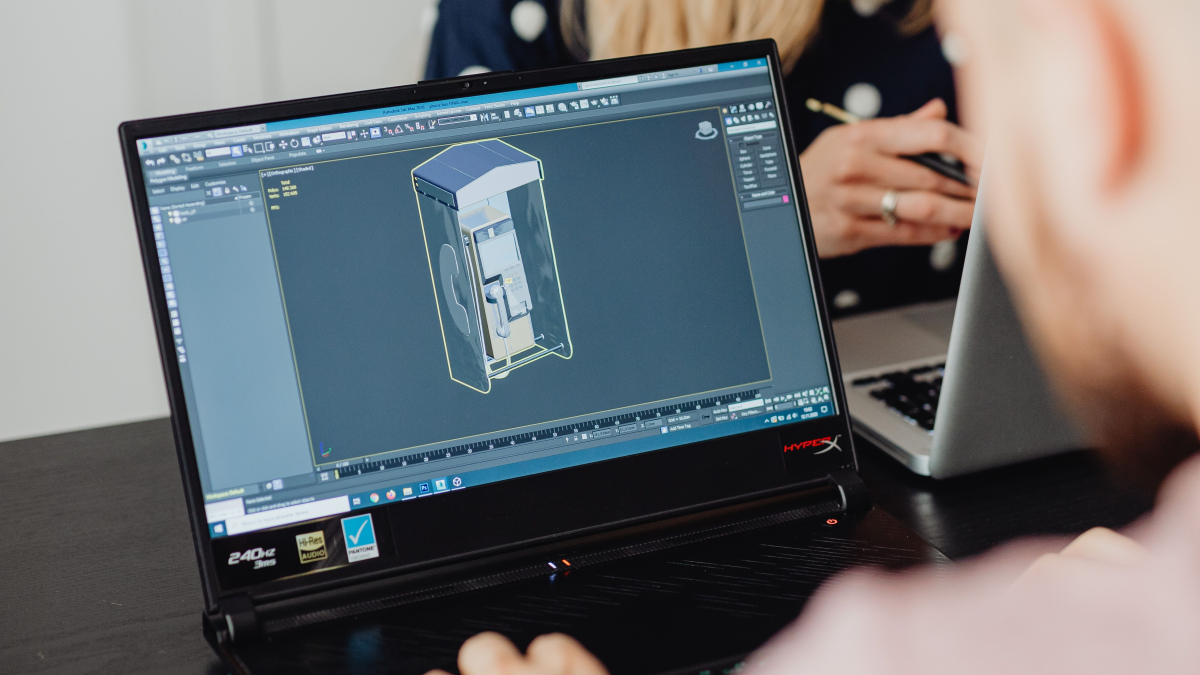
Fusion 360 still appears in job ads and shop conversations, although Autodesk now calls the product Autodesk Fusion. It brings CAD and CAM together for CNC programming. Its popularity by country is harder to pin down. Autodesk publishes customer stories from several countries, but there is no public, comparable count of Fusion users by country. Individual case studies cannot establish a global ranking.
Where we can see it in use
Autodesk documents US shops using Fusion to design products and program CNC equipment. In the UK, Nerc Precision Engineering uses Fusion and an extension for complex five-axis parts. Autodesk has also published a manufacturing example from India. These cases show that the software is used in different countries and production settings; they do not measure its market share in any of them.
US job postings offer a different kind of evidence. In O*NET's data, Autodesk Fusion 360 appears in 6% of unique 2025 postings classified under CNC tool programmers. That figure measures explicit skill mentions in those postings. It does not tell us what share of US manufacturers use Fusion, and it cannot be compared with user counts in the UK or India.
Can it handle professional CNC work?
The commercial Autodesk Fusion offering supports professional work. Programmers can prepare milling and turning operations, work from a CAD model in the CAM environment, simulate machining, and generate NC code through a postprocessor. More advanced strategies, including multiaxis machining, depend on the plan and extensions selected. Autodesk's Nerc Precision Engineering story describes five-axis use in an operating machine shop.
For a small manufacturer, keeping model changes, fixturing preparation and part programming in one environment can simplify the workflow. Suitability for a particular machine still needs to be tested. The machine definition and postprocessor must match the equipment; cycles, axes and machine movements need checking before the first run. A postprocessor in a library is a starting point, not proof that it is ready for every machine configuration.
Licensing and available features
There is a free personal-use version of Fusion, which can make the licensing question confusing. Under Autodesk's terms, it is for home-based, non-commercial projects and has limited CAM functionality. It is not a license for a company's ordinary paid production work. Commercial manufacturing requires an appropriate subscription.
The standard subscription and Manufacturing Extension also offer different capabilities. Additional features include multiaxis strategies, more automation and inspection operations. Before choosing a package, check whether it includes the operations you need, whether a suitable postprocessor exists for your machine, and who will configure it. Those details matter when comparing its cost with another CAM system.
Look at the work you need to do
If you are learning CAM for a CNC programming job, read openings in the region where you plan to work. Some employers ask for Autodesk Fusion by name. Others accept experience with a different CAM system if a candidate can build toolpaths, check code and take part in machine setup. A country-level statistic cannot replace the requirements of the shops you hope to join.
Fusion can support professional CNC work, including demanding jobs when the right subscription, equipment and verified postprocessor are in place. There are documented users in several countries, but no sound basis for ranking those countries by Fusion popularity. The more useful checks are the operations you need, the machines you run, licensing terms and local job requirements.